Language: English | Português

News

Latest News

Equipment on Character Profiles

The Character Information page now shows the items a character is using, including each item's rarity color.

Equipment is visible by default, but the account owner can choose who may see it:

  1. Sign in to your account on the website.
  2. Open the character search and visit your character's page.
  3. In Equipped Items, click Hide my equipment.
  4. To make it public again, click Show my equipment.

This option only changes visibility on the website. It does not remove or unequip any item in the game.
Sign In Search for a Character

Website Update

The Cyber Gyn website has received several improvements:

  • A renewed design with clearer navigation on computers and mobile devices.
  • A new SHOP section with reorganized packages and purchase options.
  • Top 100 rankings for Level, Melee, Distance, Magic and Defense.
  • Character names in the rankings can now be opened to view their information and positions.
  • Character search now shows the player's name, skills and ranking positions.

Everything is now easier to find and follow.

View Rankings Search for a Character

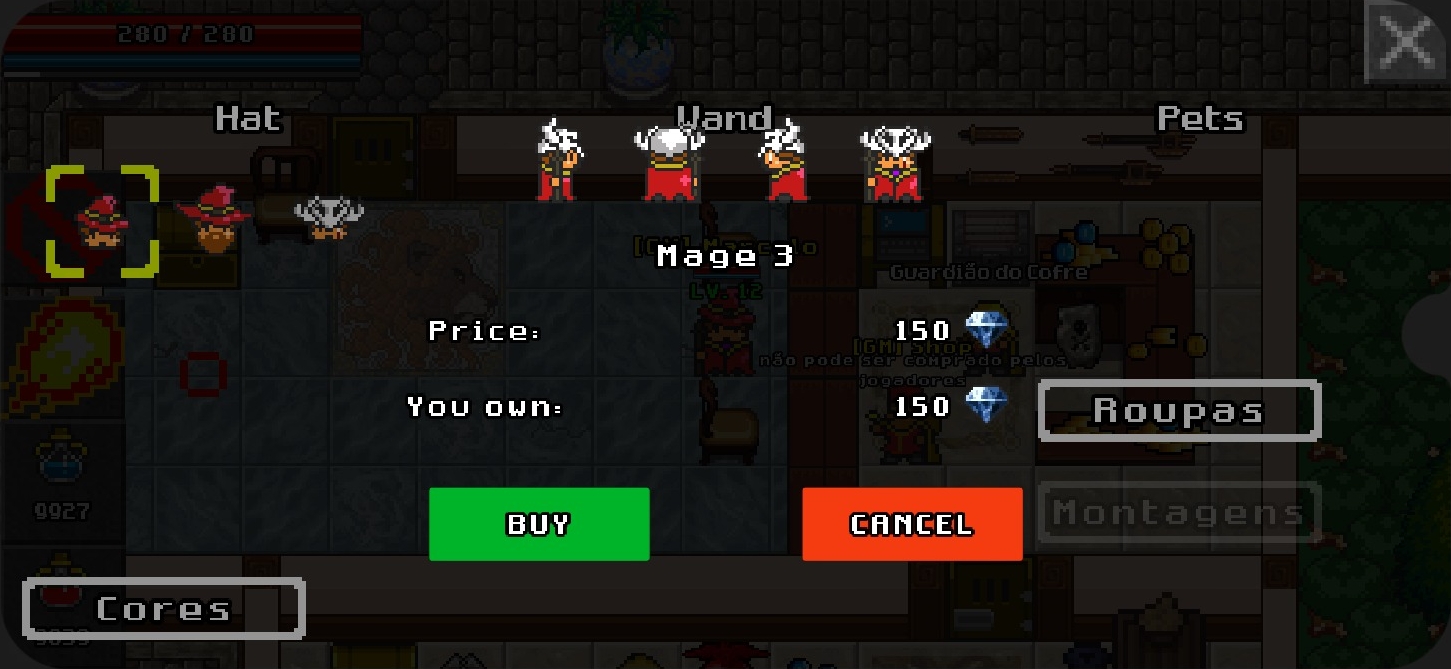
Outfit System Version 1

The outfit system (version 1) has been released. Over the next updates, it will be improved until it reaches full implementation in the game.

Outfit system

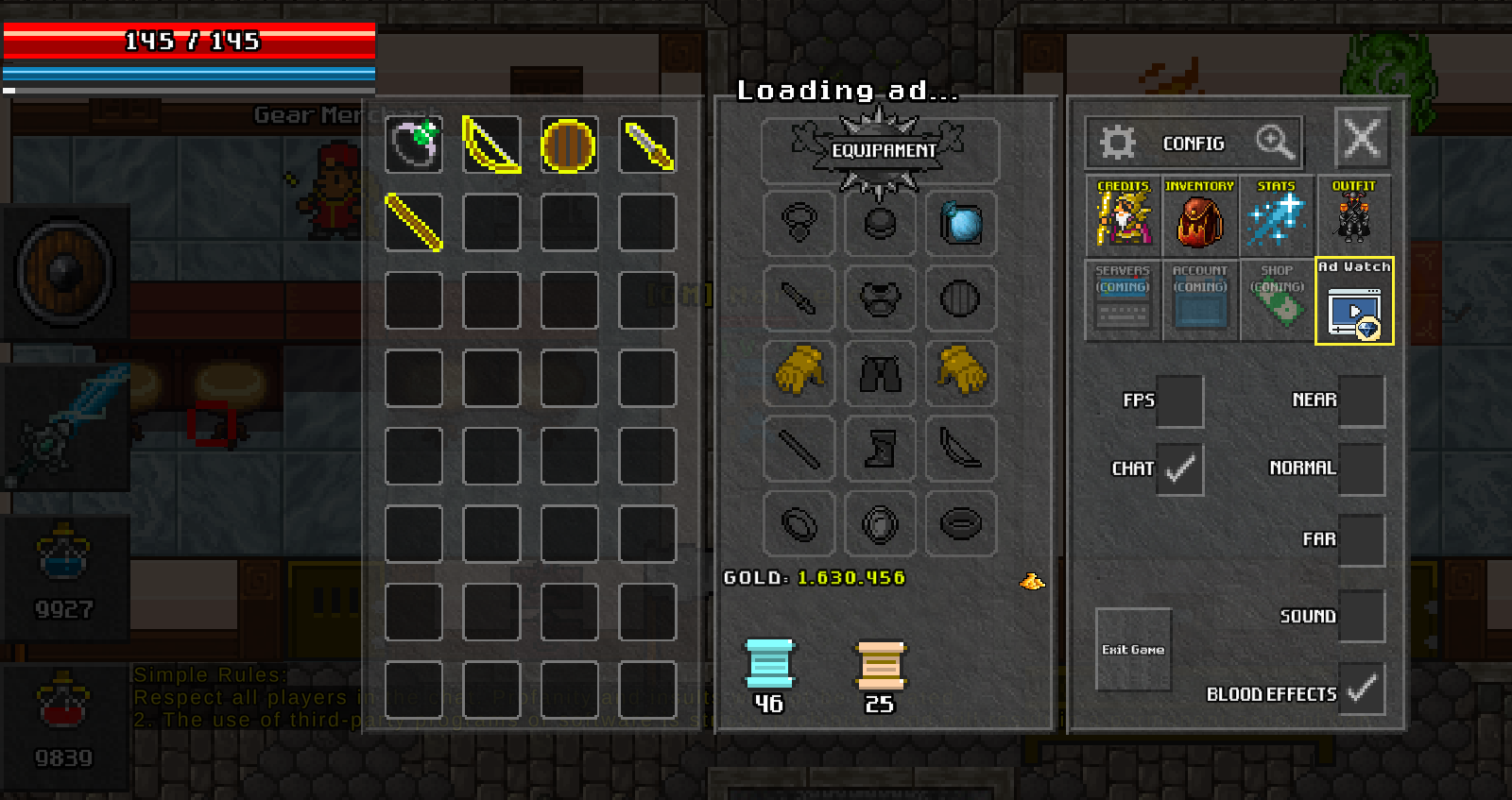
Rewarded Ads

Diamond rewards for watching ads have been added, along with other changes.

This content is still subject to change in upcoming versions.

Rewarded ads update