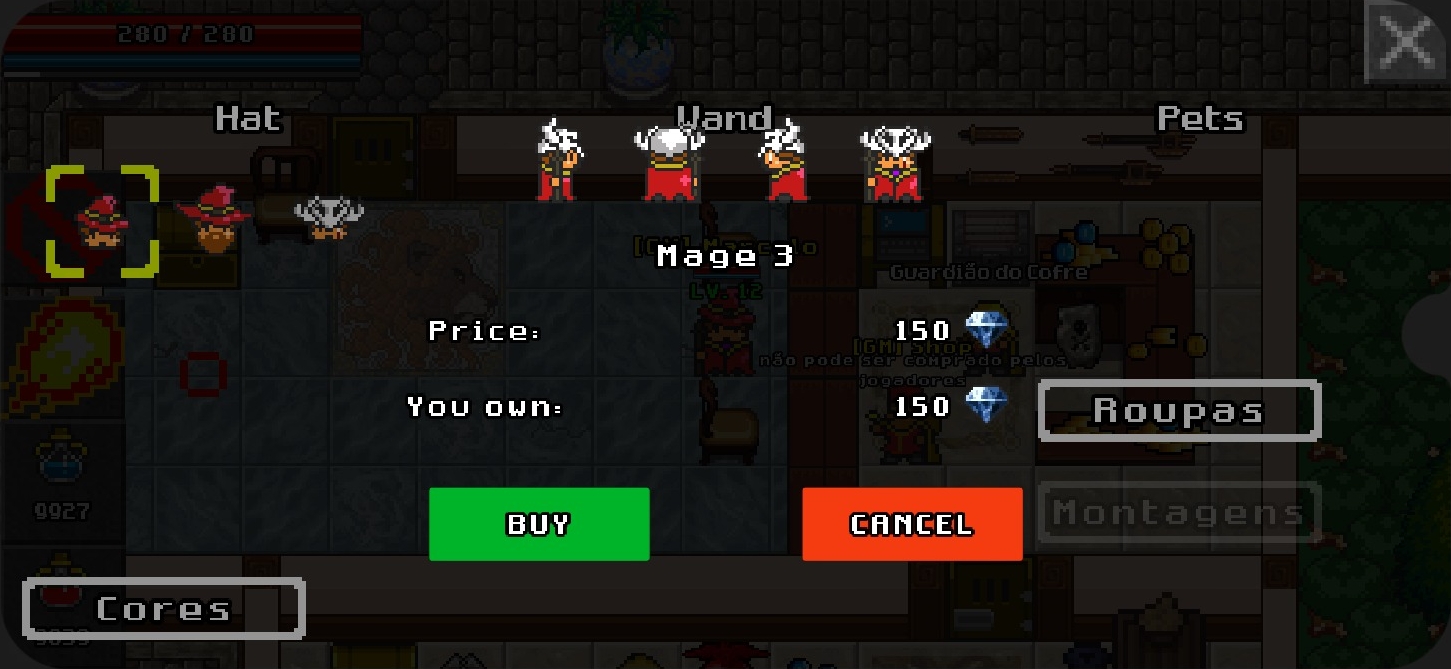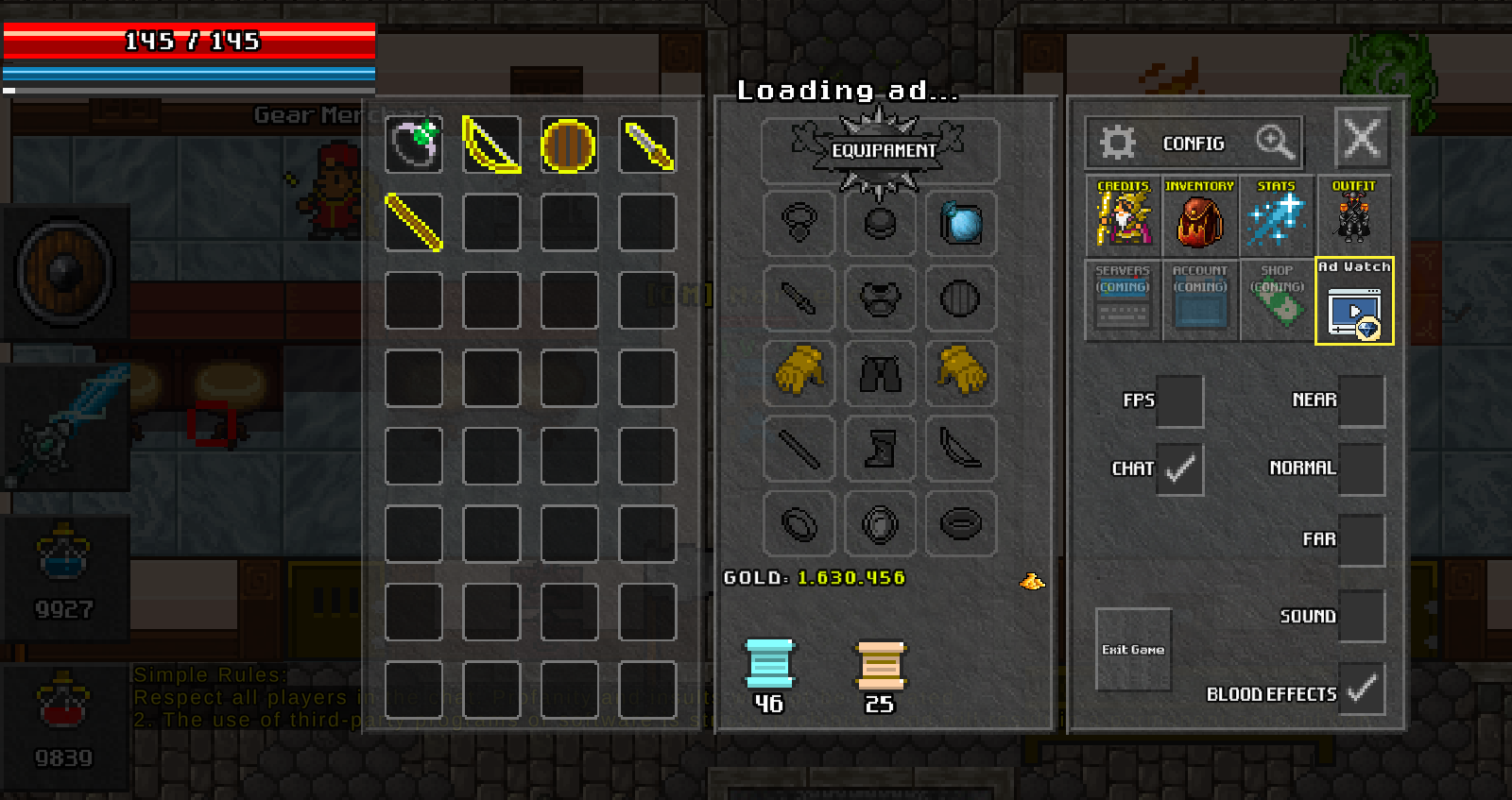

The Character Information page now shows the items a character is using, including each item's rarity color.
Equipment is visible by default, but the account owner can choose who may see it:
- Sign in to your account on the website.
- Open the character search and visit your character's page.
- In Equipped Items, click Hide my equipment.
- To make it public again, click Show my equipment.
This option only changes visibility on the website. It does not remove or unequip any item in the game.